Note taking script
6. 5. 2026needs: fzf, ripgrep (rg)
note --help

Usage:

  note n "title"          → new note with explicit title
  note "text"             → create/reopen note
  note l                  → list
  note o                  → open (fzf)
  note s                  → search (rg|fzf)
  note c                  → cat latest
  note rm                 → move to .trash
  note pull               → git pull
  note push               → git push
  note --longhelp | less  → full help
  note h                  → this help

Storage: /home/b/notes
Multiple parameters to run same command, for example
note
# and
note open
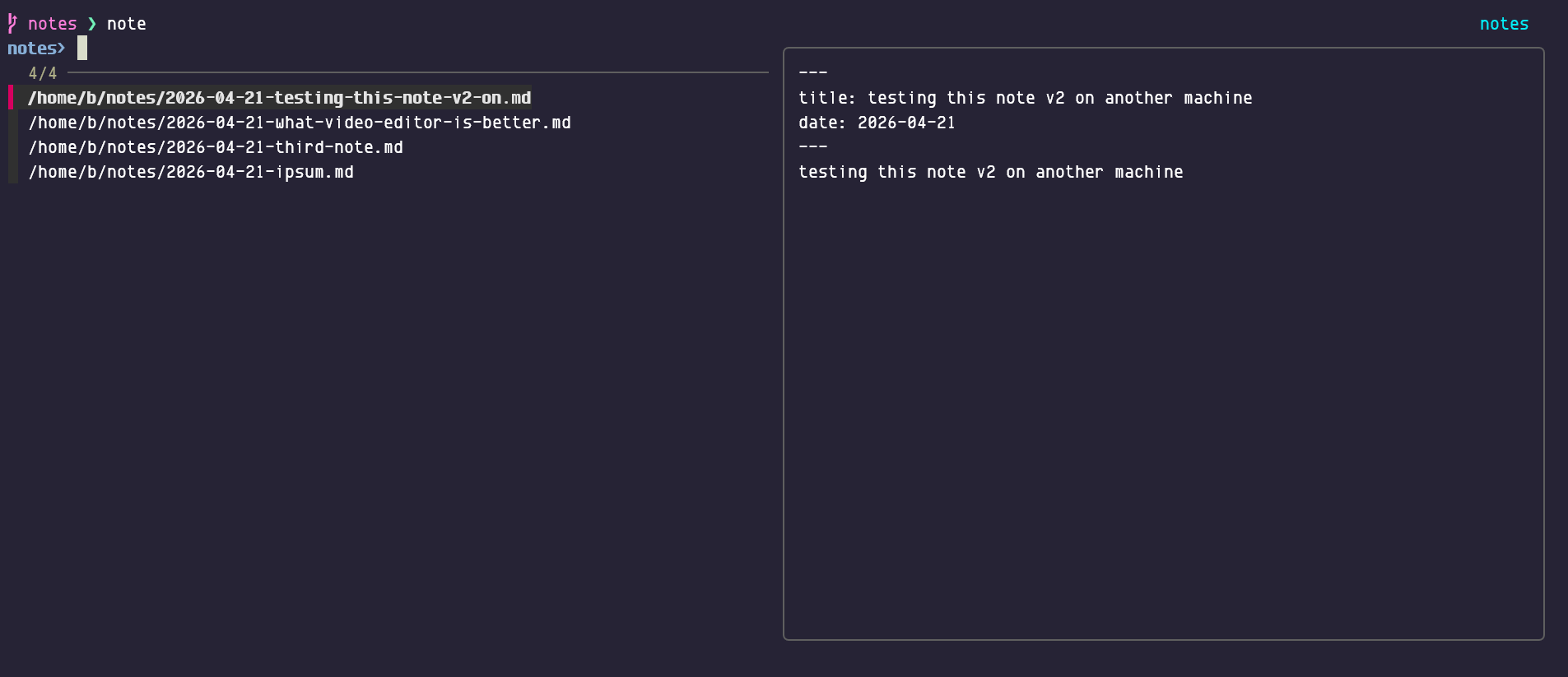
are the same (neat little dual pane tui is presented), and if you add a parameter (file name approximation)
note open gemma
it will open first filename that has some gemma in there. Search is similar.
note s
will open neat little tui as well, piping ripgrep output to fzf and behaving like file selector.
note c
should cat last changed note.
note list
should list files/notes to stdout, not sure if this is needed (open does similar job).
Text editor, by default $EDITOR variable is used, if undefined it will try to load hx (helix) or vim or nano. Configure to your needs. By default notes will be stored in $HOME/notes, configure as needed.
Not needing the specific title is the idea as well, so
note nice weather today
shall make a note with filename ‘2026-04-27-nice-weather-today.md’.
about fzf scrolling ↓
Up and down will select files, shift+up and shift+down will scroll the text pane on the right (mice should also work).
Scrot (‘open note’ fzf tui):
Note syncing ↓
of $HOME/notes is up to the user. I use git.
noteurls (‘plugin’) ↓
Separated script with similar tui that will extract urls from notes and open one in browser.